How to Upgrade to Windows 11 if You Don’t Want to Wait for the Upgrade Prompt
Windows 11 is finally here, and like Windows 10, it will be a free upgrade for Windows 10 users. However, the rollout will be slow and staggered despite Windows 11 releasing on October 5, 2021.
This means for many Windows 10 users. It could take months and upwards of mid-2022 before you get the upgrade popup (if your machine is compatible).
If you are like me and live on the edge, you are most likely looking to upgrade now. The good news, you don’t have to wait for Microsoft to tell you that you can get Windows 11. There is a trick that currently allows you to upgrade without having to wait.
Head over to the Windows 11 download section on the Microsoft website and look for the Windows 11 Installation Assistant (the first item for me on this page).
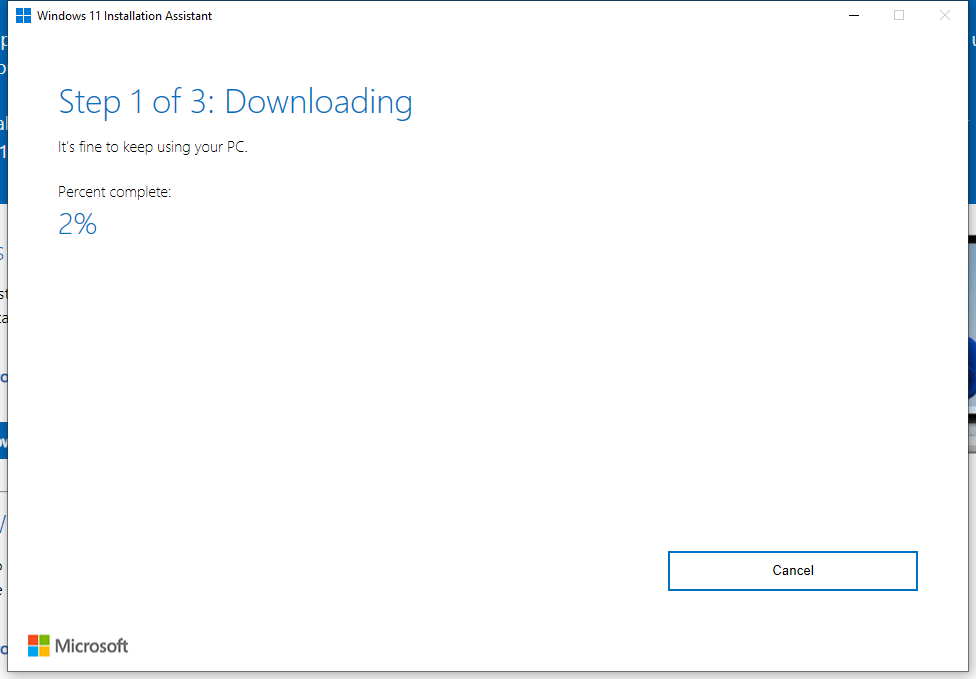
Once you’ve downloaded the assistant, it will guide you through the download and setup phase for Windows 11.
That’s it. No waiting to be invited to upgrade, you can upgrade now. Fair warning, given Windows 11 is new, some software might be incompatible and there could be driver issues with certain hardware. Modern graphics cards and devices which have certified Windows 11 drivers are fine.
Comments