I Built Tidewater, a Three.js Ocean Kit
I’ve been working on a game in Three.js.
That choice was mostly practical. Three.js is good for games because I can use the web dev knowledge I already have, but it hides enough of the browser 3D pain that I can stay focused on the game instead of hand-rolling everything around WebGL.
The game needed water.
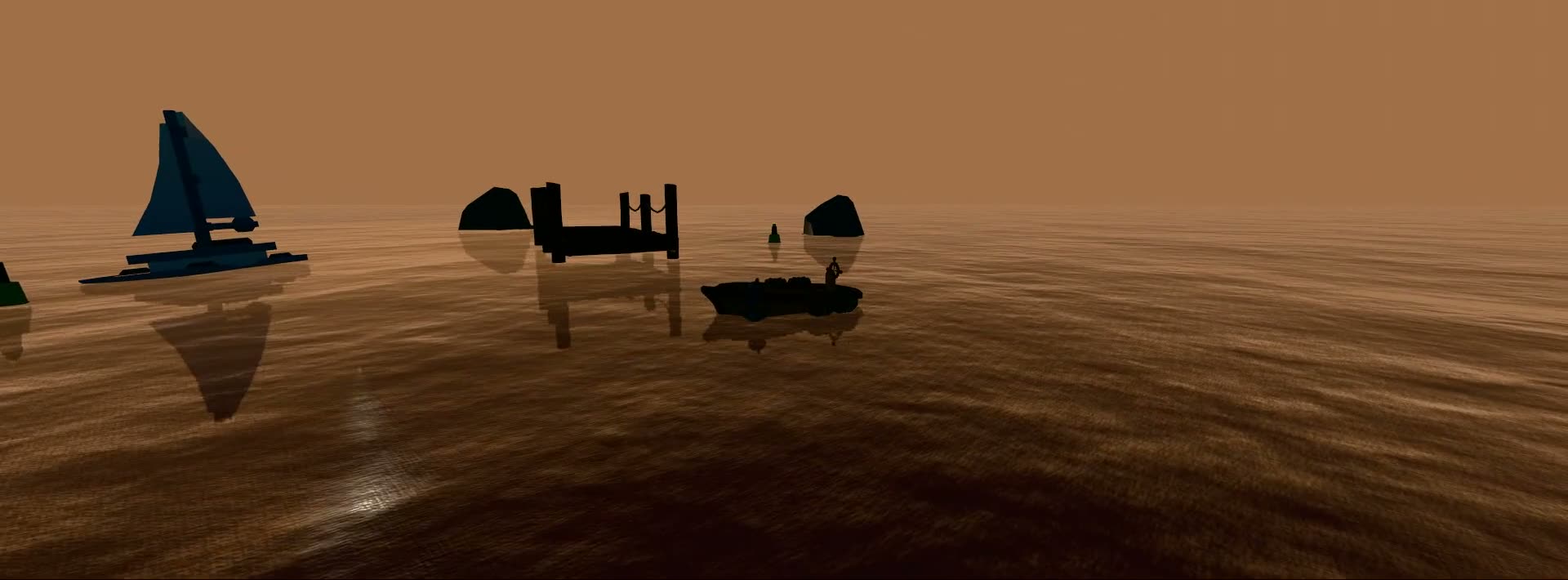
I didn’t want the usual shiny demo plane. I wanted something closer to the water I remember from GTA IV: moody, heavy, part of the world instead of a decorative surface sitting on top of it.
I didn’t get all the way to Rockstar money water, obviously. But I got far enough that I kept opening the scene just to look at it. After a frankly stupid number of hours, it looked good, stayed configurable, and ran well enough that I realised it might be useful outside my own game.
So I pulled it out into Tidewater, a Three.js water kit, sold as a source zip. It’s the water system I wish I’d had when I started: surface, sky, sea floor, underwater rendering, wakes, buoyancy, presets, docs and TypeScript declarations.
Three.js already has water helpers. The docs have Water for WebGLRenderer and WaterMesh for WebGPURenderer. They’re handy when you need a flat reflective surface. I’ve used that sort of thing before and it can be enough for a background.
Most water demos look fine until you try to put something in the water.
Once the surface moved, everything else started complaining. Boats needed to displace the water. Clicks needed ripples. Going underwater needed Snell’s window and caustics instead of a blue tint slapped over the camera. Presets had to change the mood instead of nudging the hex code.
The main surface is a cascaded FFT ocean with three spectrum bands. There are Gerstner swells layered in, a CPU mirror for buoyancy, a wake field the boat stamps into, and foam tied to surface compression instead of a random noise texture making crest decisions like a drunk weather app. The GPU side uses Three’s node and TSL path, with WebGPU as the nicer route and WebGL2 as the fallback. I tested v1 against Three.js r184 because WebGPU and TSL still move around enough to make pinning versions the sane option.
Tidewater ships as source because that fits how Three.js work tends to happen. You get the modules, pin the Three.js version you want, and wire the files into your app. The demo runs with an import map. The docs are hand-rolled. If your own project uses Vite or a bundler, fine, they’re still just ES modules.
The surface was only the first job.
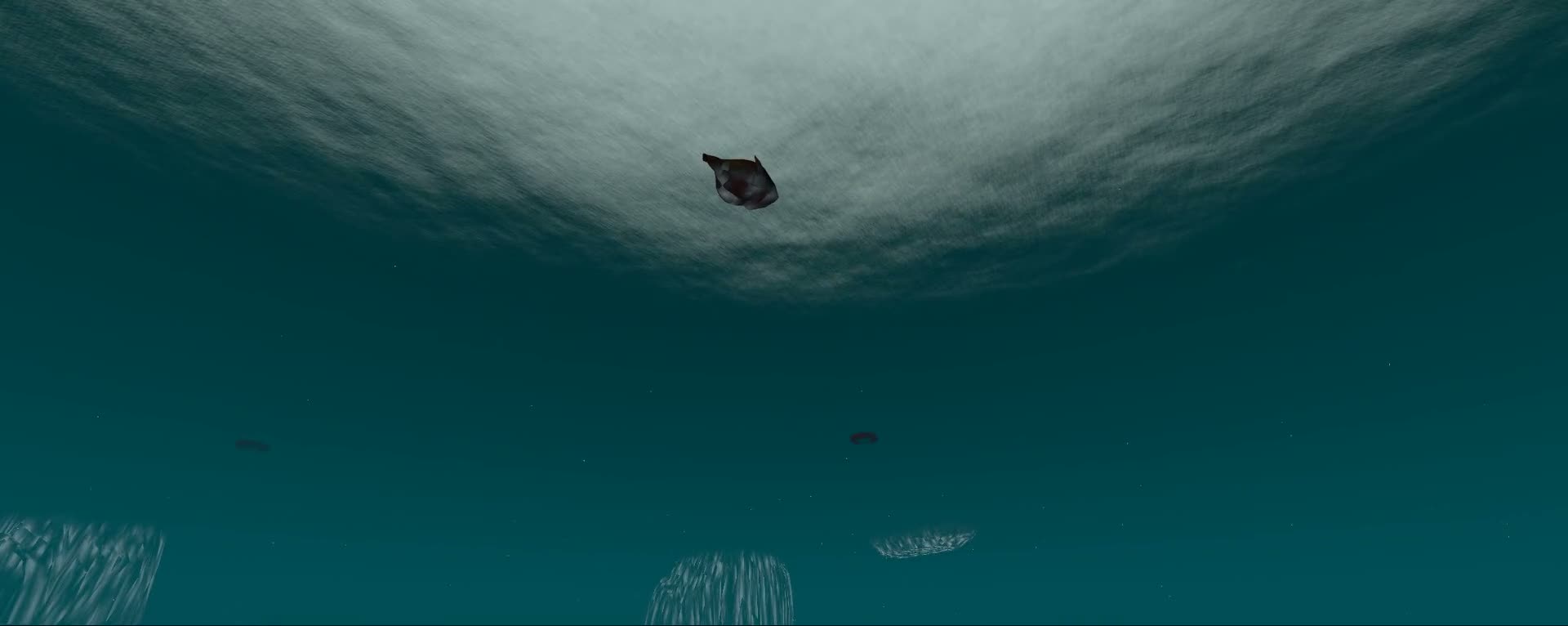
The sky is a Preetham atmosphere, with time of day driving the sun, fog, water tint and light direction. The sea floor has caustics. When the camera goes underwater, the rendering path changes: Snell’s window above you, depth fog, god rays, and enough haze to stop the scene from feeling like someone put blue cellophane over the lens.
I keep coming back to the wake field.
A lot of water demos let you orbit around a pretty surface, then get weird the second anything touches it. Tidewater has a world-locked 512 square wake field. The boat stamps into that texture as it moves. The ocean shader samples it for displacement and foam, so the wake bends the surface and leaves a trail that belongs to the water.
It still isn’t a CFD simulator. Good. I don’t want a doctoral thesis when I just need a small boat to stop looking like it’s hovering over cling wrap.
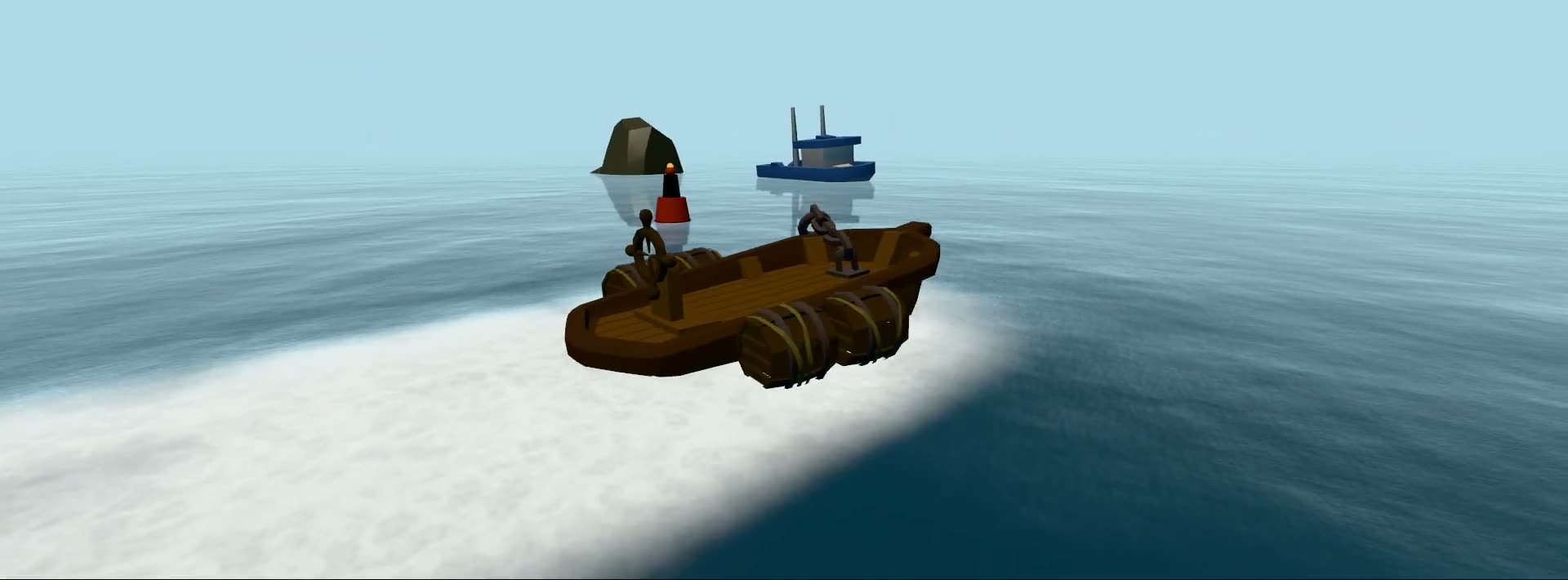
The presets are mostly there because starting cold is a pain. V1 has thirteen of them: Reef, Tropical, Offshore, Huge Swell, Sunset, Tranquil, Moonlit, Foggy, Arctic, Hurricane, Lake, River and Pool. They retune waves, foam, fog, sky, water tint and props. I don’t want to spend the first hour of a visual build deciding whether the water should be 2 percent greener.
There’s also a <water-canvas> web component for pages that don’t need a full Three.js scene. Drop in the element, pick a mode, and you get a moving ocean without writing the renderer setup yourself. The lower-level modules are there when you do want to own the whole scene.
I used Tidewater on the sales page as well. The hero, videos and stills are exports from the kit. With water, screenshots only get you so far, so the page lets it move.
The first release is $75 USD. One purchase covers one developer, commercial use and v1.x updates. Use it in client projects, games, sites, installations, paid apps and free apps. Please don’t redistribute the source, sell it inside another asset pack, or upload it to npm. That’s the boring licence bit, but source zips need one.
The zip includes the src tree, assets, TypeScript declarations, docs, an example index.html, a changelog and a manifest. The models are CC0, the texture sources are permissive, and the Tidewater code is the paid part. If you buy it, you’re buying the irritating glue code between a shader and a usable scene.
Tidewater isn’t for every Three.js page. If you need a small decorative background, use something smaller. If you need naval simulation, you’ll want something heavier and probably a maths whiteboard.
If the thing you’re building needs water you can point a camera at, the Tidewater Three.js ocean kit is live now. Open the demo, drive the boat, dive under the surface, and you’ll know pretty quickly whether it fits.
That’s all I wanted at the start: water I could point a camera at without apologising for the rest of the scene.
Comments